Hello, Guest!
Title
Attention Anonymous User!Your download speed is severely restricted. Registered users download at full speed without waiting. Register now!

Poster
7-Zip v. 26.03
File Archivers (ZIP/RAR)v. 26.03
1.58 MB Report Torrent
👤
Uploadedamvia
📅
Added12.09.2026 08:16
💾
Size1.58 MB
👁️
Views16
🎯
Hits2
⚖️
Seeders / Leechers1 / 0
✅
Snatched1
×Banner
Operating System
Windows
11108/8.17
Architecture
64-bit (x64)
Description
7-Zip is a free and open-source file archiver, a utility used to place groups of files within compressed containers known as archives. Developed by Igor Pavlov and first released in 1999, 7-Zip has become an essential tool for efficient data compression and file management. The program features its own proprietary 7z archive format introduced in 2001, which delivers exceptionally high compression ratios, while also providing full read and write support for numerous other standard formats.
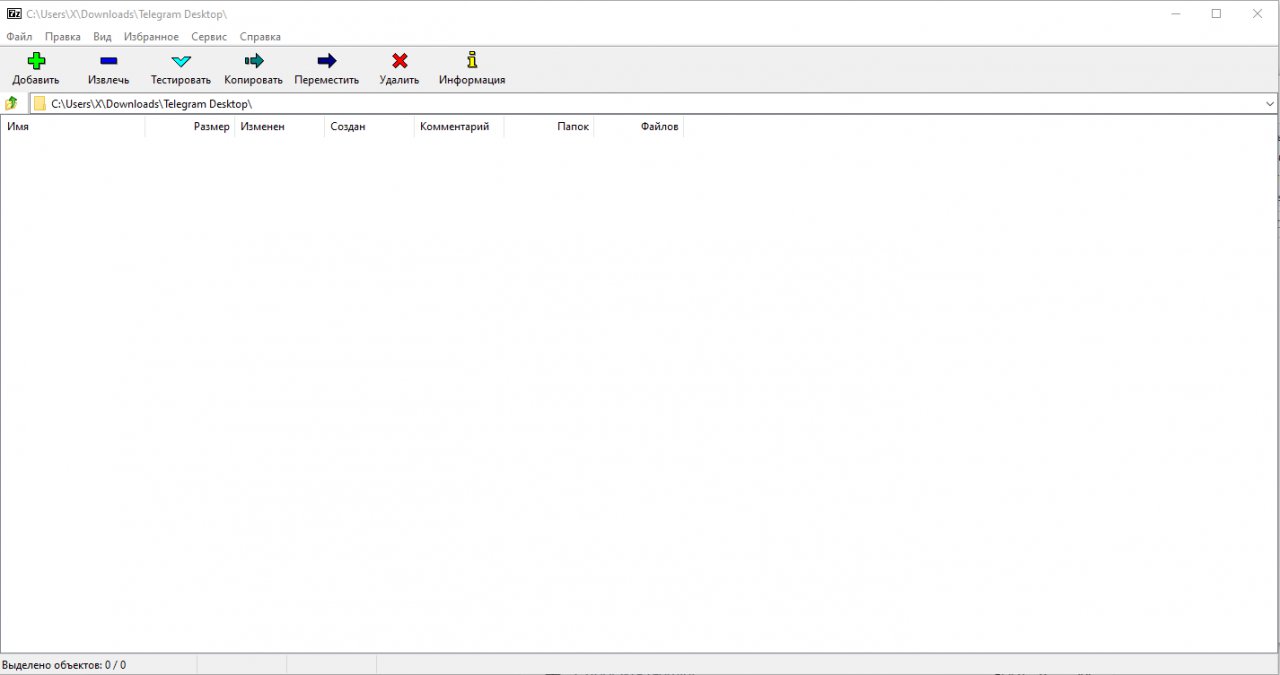
Users can interact with 7-Zip via a clean Windows graphical user interface featuring deep shell integration, or through a robust command-line interface using the 7z command for cross-platform workflows. Most of the 7-Zip source code is licensed under the LGPL-2.1-or-later license, though the unRAR code is subject to an unRAR restriction that prohibits developers from using the code to reverse-engineer the RAR compression algorithm.
Key Features
  • Advanced Compression Algorithms: Utilizes powerful LZMA and LZMA2 compression methods within the native 7z format to achieve extremely high compression ratios.
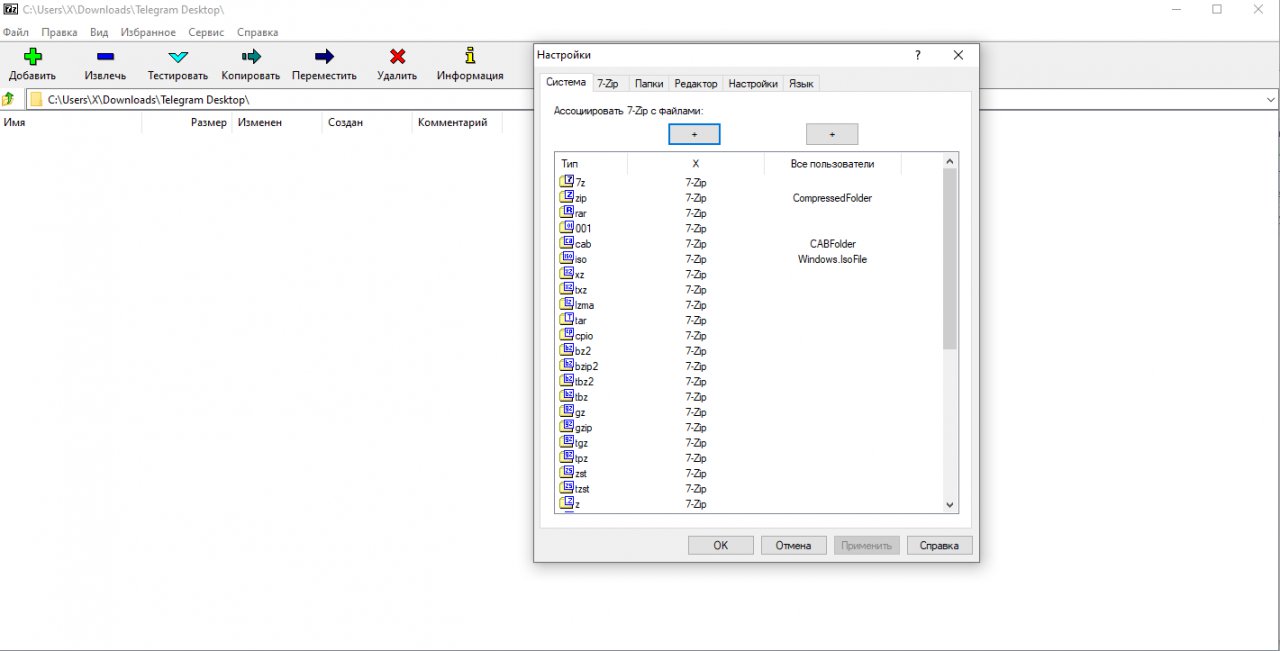
  • Comprehensive Format Support: Full capability to pack and unpack popular file formats including ZIP, TAR, GZIP, WIM, XZ, and read support for many others.
  • Windows Shell Integration: Seamlessly integrates into the Windows Explorer context menu for fast archiving, extracting, and testing operations with minimal effort.
  • Versatile Command-Line Version: Includes the powerful 7z command-line utility, ideal for system administration, scripting, and cross-platform automation.
  • Strong AES-256 Encryption: Secures sensitive data and file headers with robust 256-bit AES encryption to protect privacy within encrypted archives.

How to Install / Run
  • 1
    Open the built-in software catalog or package installer within your operating system.
  • 2
    Search for 7-Zip and select the install or get option to initiate the setup process.
  • 3
    Once the installation completes, access 7-Zip from your application menu or right-click context menu.

Advantages (Pros)

  • 100% free and open-source software with no adware or registration requirements.
  • Exceptional compression ratios that often outperform commercial alternatives.
  • Lightweight footprint with fast extraction and compression speeds.
  • Extensive compatibility with legacy and modern archive types.
Disadvantages (Cons)

  • The graphical user interface looks dated and utilitarian.
  • Lacks advanced native cloud integration out of the box.

Images
Similar / Other Versions
Technical Specifications
  • DeveloperIgor Pavlov
  • Release Date04.09.2026
  • Operating System
    Windows
    11108/8.17
  • Architecture64-bit (x64)
  • Release FormatSetup / Installer Portable
  • Languages🌍🇱🇻🇷🇺🇬🇧🇺🇦🇩🇪🇫🇷
  • Official Homepage7-zip.org
  • filesView (1)
System Requirements
  • Processor (CPU)1 GHz or faster
  • Memory (RAM)512 MB
  • Free Disk Space10 MB
  • Graphics Card (GPU)Standard display (No dedicated GPU required)
Rating
None
Said thanks
📢 Advertisement[+]
+ Add your advertisement
📂 files (1) ×
PathSize
7z2603-x64.exe1.58 MB
❮
×
❯
Report Torrent ×
8 + 6 =
🌐 All Supported Languages 61
🇿🇦
Afrikaans
AF
🇦🇱
Albanian Shqip
SQ
🇸🇦
Arabic العربية
AR
🇦🇲
Armenian Հայերեն
HY
🇦🇿
Azerbaijani Azərbaycan dili
AZ
🇪🇸
Basque Euskara
EU
🇧🇾
Belarusian Беларуская
BE
🇧🇩
Bengali বাংলা
BN
🇧🇦
Bosnian Bosanski
BS
🇧🇬
Bulgarian Български
BG
🇪🇸
Catalan Català
CA
🇨🇳
Chinese (Simplified) 简体中文
ZH-CN
🇹🇼
Chinese (Traditional) 繁體中文
ZH-TW
🇭🇷
Croatian Hrvatski
HR
🇨🇿
Czech Čeština
CS
🇩🇰
Danish Dansk
DA
🇳🇱
Dutch Nederlands
NL
🇬🇧
English
EN
🟢
Esperanto
EO
🇪🇪
Estonian Eesti
ET
🇫🇮
Finnish Suomi
FI
🇫🇷
French Français
FR
🇪🇸
Galician Galego
GL
🇬🇪
Georgian ქართული
KA
🇩🇪
German Deutsch
DE
🇬🇷
Greek Ελληνικά
EL
🇮🇱
Hebrew עברית
HE
🇮🇳
Hindi हिन्दी
HI
🇭🇺
Hungarian Magyar
HU
🇮🇸
Icelandic Íslenska
IS
🇮🇩
Indonesian Bahasa Indonesia
ID
🇮🇹
Italian Italiano
IT
🇯🇵
Japanese 日本語
JA
🇰🇷
Korean 한국어
KO
🇹🇷
Kurdish Kurdî
KU
🇱🇻
Latvian Latviešu
LV
🇱🇹
Lithuanian Lietuvių
LT
🇲🇰
Macedonian Македонски
MK
🇲🇾
Malay Bahasa Melayu
MS
🇮🇳
Marathi मराठी
MR
🇲🇳
Mongolian Монгол
MN
🇳🇵
Nepali नेपाली
NE
🇳🇴
Norwegian Norsk
NO
🇮🇷
Persian فارسی
FA
🇵🇱
Polish Polski
PL
🇧🇷
Portuguese (Brazil) Português (Brasil)
PT-BR
🇵🇹
Portuguese Português
PT
🇷🇴
Romanian Română
RO
🇷🇺
Russian Русский
RU
🇷🇸
Serbian Српски
SR
🇸🇰
Slovak Slovenčina
SK
🇸🇮
Slovenian Slovenščina
SL
🇪🇸
Spanish Español
ES
🇸🇪
Swedish Svenska
SV
🇮🇳
Tamil தமிழ்
TA
🇹🇭
Thai ไทย
TH
🇹🇷
Turkish Türkçe
TR
🇺🇦
Ukrainian Українська
UK
🇺🇿
Uzbek Oʻzbekcha
UZ
🇻🇳
Vietnamese Tiếng Việt
VI
🇬🇧
Welsh Cymraeg
CY
Total supported languages: 61