Blender is a free and open-source 3D computer graphics software suite that supports the entirety of the 3D pipeline—modeling, rigging, animation, simulation, rendering, compositing, motion tracking, and even video editing and 2D animation. Its versatile nature accommodates diverse production pipelines across film, game development, and digital art creation. Renowned for its robust feature set and active global community, Blender features advanced rendering engines like Cycles for photorealistic path tracing and Eevee for real-time viewport rendering. It serves as an industry-grade tool used extensively for creating animated films, visual effects, art, 3D-printed models, motion graphics, interactive 3D applications, and virtual reality experiences.
Key Features
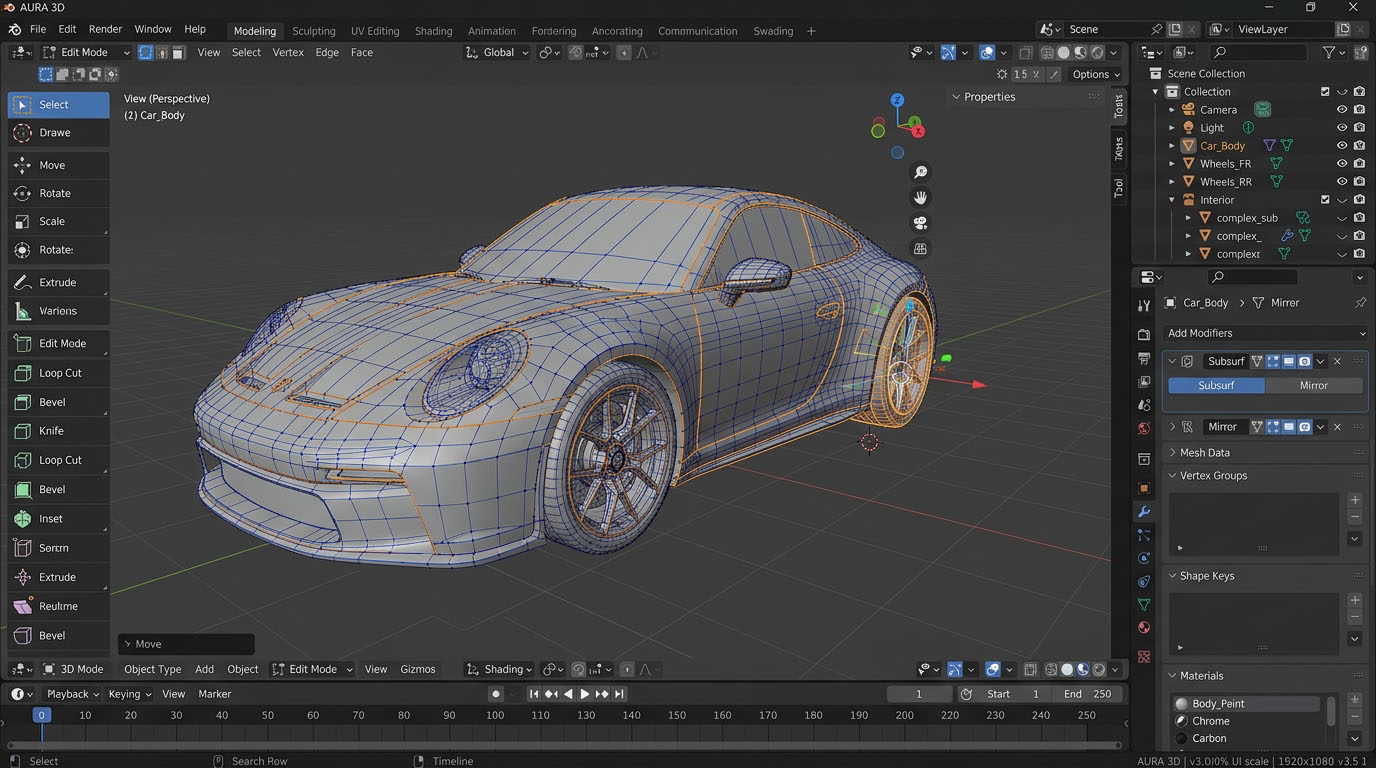
Comprehensive 3D Modeling & Sculpting:Advanced tools for polygon modeling, curves, digital sculpting with dynamic topology, and UV unwrapping.
Advanced Rendering Engines:Includes Cycles for path-traced realism and Eevee for high-speed, real-time physically based rendering.
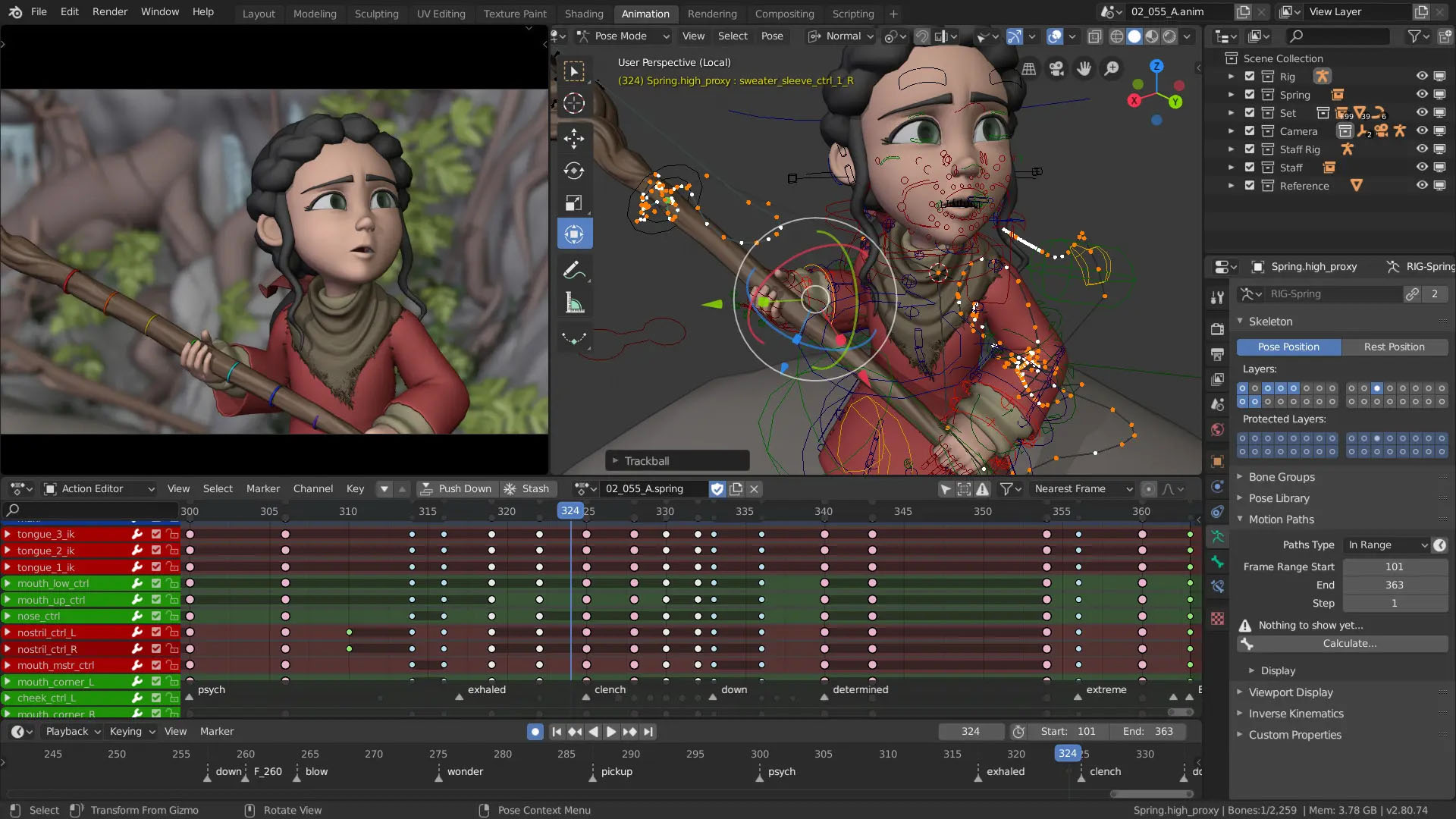
Robust Animation & Rigging:Professional armature creation, skinning, pose libraries, shape keys, and advanced motion tracking capabilities.
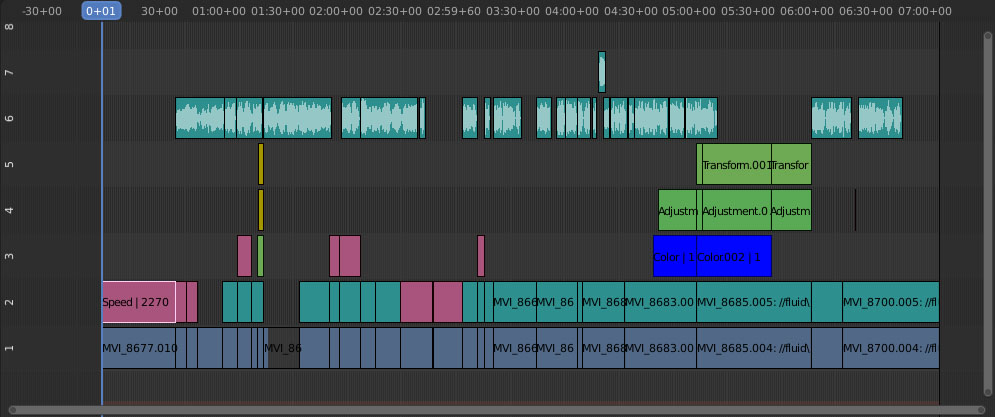
Video Editing & Compositing:Integrated non-linear video sequence editor and a powerful node-based compositing workspace.
Extensible Python API:Full scriptability for workflow automation, custom tool development, and ecosystem add-ons.
How to Install / Run
1
Ensure your system hardware meets the necessary specifications for optimal performance.
2
Search for Blender in your software center or package manager to initiate the installation process.
3
Launch Blender from your system applications menu once installed to begin creating your 3D projects.
Advantages (Pros)
Completely free and open-source under the GPL license with no subscription fees
All-in-one suite combining modeling, simulation, animation, and post-production
Regular updates driven by a passionate worldwide community and industry backing
Cross-platform compatibility running smoothly on Windows, macOS, and Linux
Disadvantages (Cons)
Steep learning curve due to vast array of complex toolsets and hotkey dependencies
Hardware intensive when working with heavy polygon counts, simulations, or GPU rendering
LICENSE PERMISSIONS & LEGAL REFERENCE
Public Distribution Permission:OFFICIALLY PERMITTED TO REDISTRIBUTE (100% Legal Release)
(Guaranteed rights to freely download, copy, and share in unmodified form under open-source / freeware terms).
License Model & Status:GNU General Public License v2.0 or later.
Official Distribution Permission:Under the official Blender (3D program) license (GPL-2.0-or-later), this software is free and permits unrestricted downloading and distribution.